
Watching YouTube is for boomers. I have AI watch it for me.

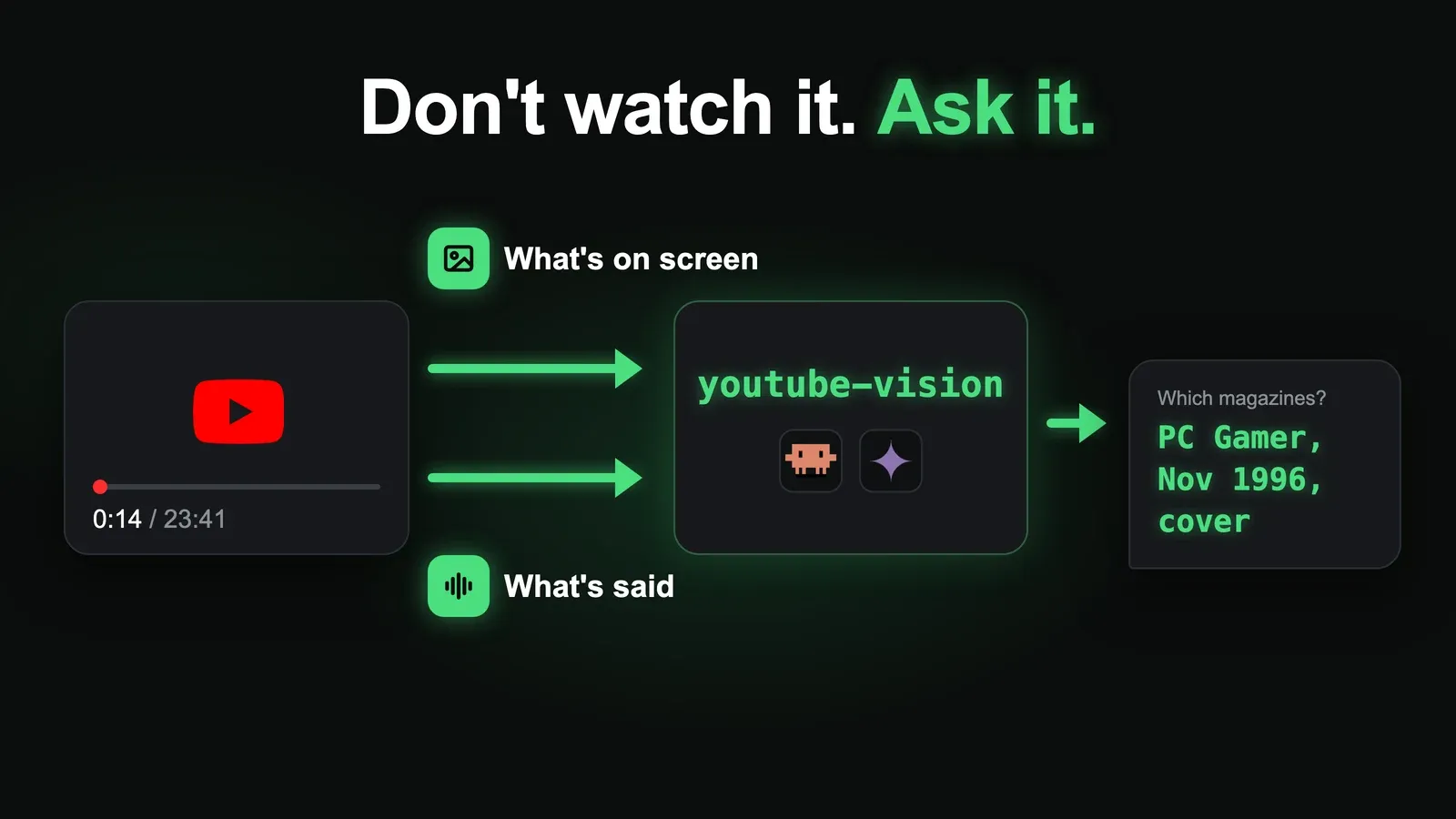
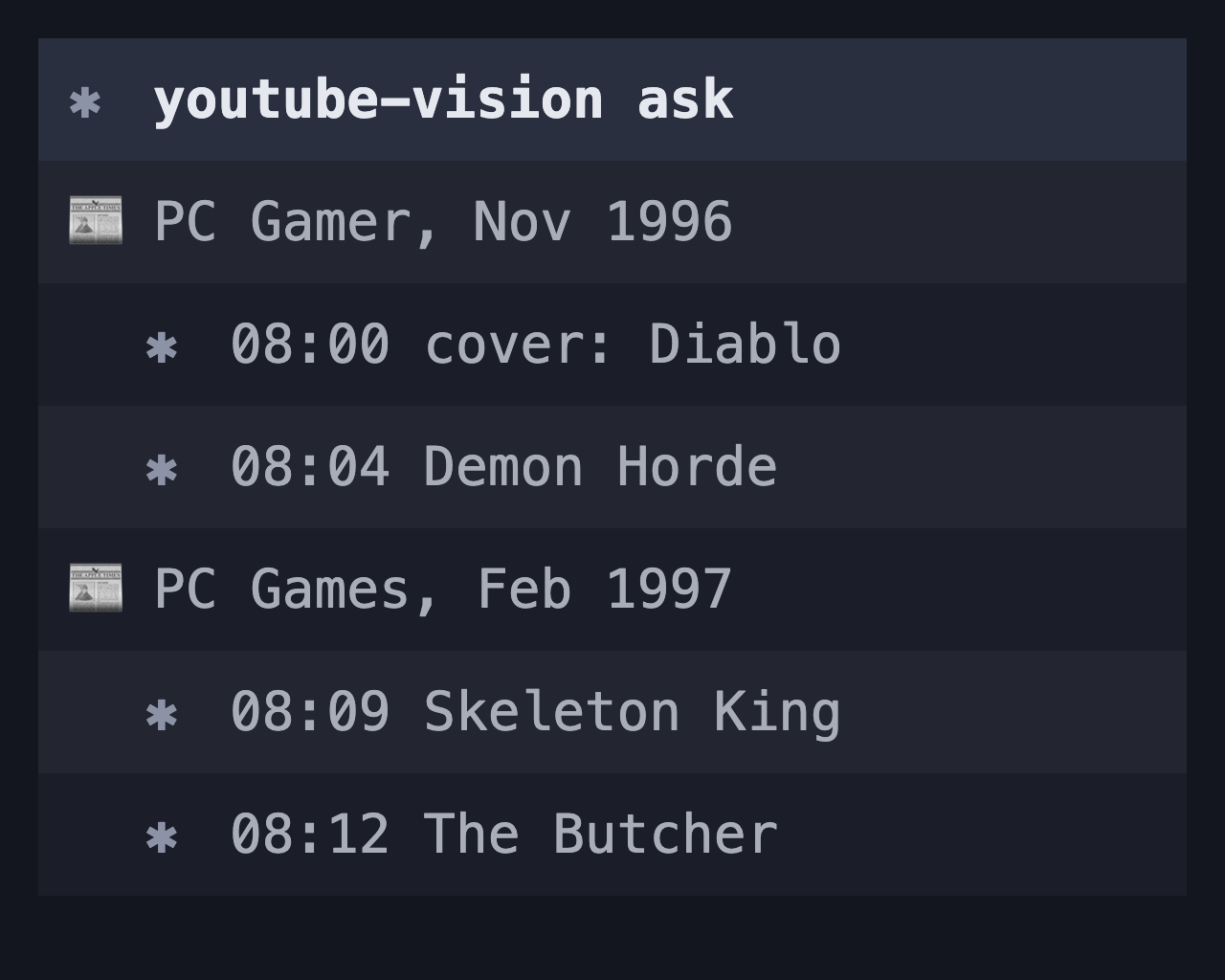
I don’t watch videos for information anymore. I paste the link into my AI agent with one question, it watches the whole thing, pictures and audio, and hands me the 30 seconds I needed. Recently that was “between 8:00 and 9:10, which magazines does he show Diablo 1’s original 3D renders from?” I had the answer in under two minutes without opening YouTube.
Video is the worst format for information
A 20-minute video usually holds about 30 seconds you actually care about. The rest is a sponsor read, “smash that like button” and a four-minute intro about the creator’s week. You can skim text. You can’t skim video, you can only scrub around and hope you land on the right part.
Sitting through all that to find one fact is like printing an email so you can read it. It works, but it’s a boomer move.
Transcripts don’t fix it
The obvious workaround is the transcript. Plenty of videos have them turned off, the auto-generated ones mangle names and jargon, and a transcript only has what was said. Half of what makes a video useful is on screen: the magazine scan, the settings menu, the code, the chart. None of that is in the transcript.
Let the AI watch it
Google’s Gemini can watch a YouTube video directly. You give it the URL, it pulls the video on Google’s side and reads the frames and the audio together. Nothing gets downloaded to my machine.
I wrapped that in a small command line tool called youtube-vision. It has three commands:
ask: a question about the videosummarize: a general summarykey-moments: a timestamped table of contents, handy for long tutorials
My agent, Claude Code, knows about it. When I paste a YouTube link into a session, it doesn’t try to open the page. It runs youtube-vision and answers from what the video actually shows.
Ask, don’t summarize
A summary gives you a vague recap of things you mostly didn’t care about. A pointed question gets you the one fact, quoted, with a timestamp.
Good questions look like this:
- “Quote exactly what he says about X.”
- “Between 8:00 and 9:10, what’s shown on screen?”
- “List every reason he gives, with timestamps.”
Questions I asked instead of watching
Some real ones from the last few weeks:
- Which magazine pages in a Diablo 1 retrospective show Blizzard North’s original 3D character renders. I’m working on a project that rebuilds them in 3D, and the video flashes the scans for about a minute.
- “Why is he not playing Mage in WoW Forever? List every concrete reason, quote key lines.” I picked a class without sitting through three 25-minute tier-list videos.
- “In 6 bullets, what workflow does he show for Claude Code and Codex working together?”
- Fact-checking a video: pull out every claim it makes, then check those claims against real sources.
Build your own in 100 lines
The whole tool is about 100 lines of bash. The core is one request to Gemini, with the YouTube URL passed as a file:
{
  "contents": [{
    "parts": [
      {"fileData": {
        "fileUri": "<youtube url>"
      }},
      {"text": "<your question>"}
    ]
  }]
}
POST it to the generateContent endpoint for the model you want. I use Gemini 2.5 Flash:
https://generativelanguage
  .googleapis.com/v1beta/models/
  gemini-2.5-flash:generateContent
You need a Gemini API key from Google AI Studio. Then tell your agent the command exists and that any YouTube link should go through it.
If you want more setups like this, subscribe below.