
Make your phone's browser open YouTube links in PipePipe
Every YouTube link on my phone now opens in PipePipe, even inside the browser. I told my AI agent what I wanted and it wrote the browser extension.

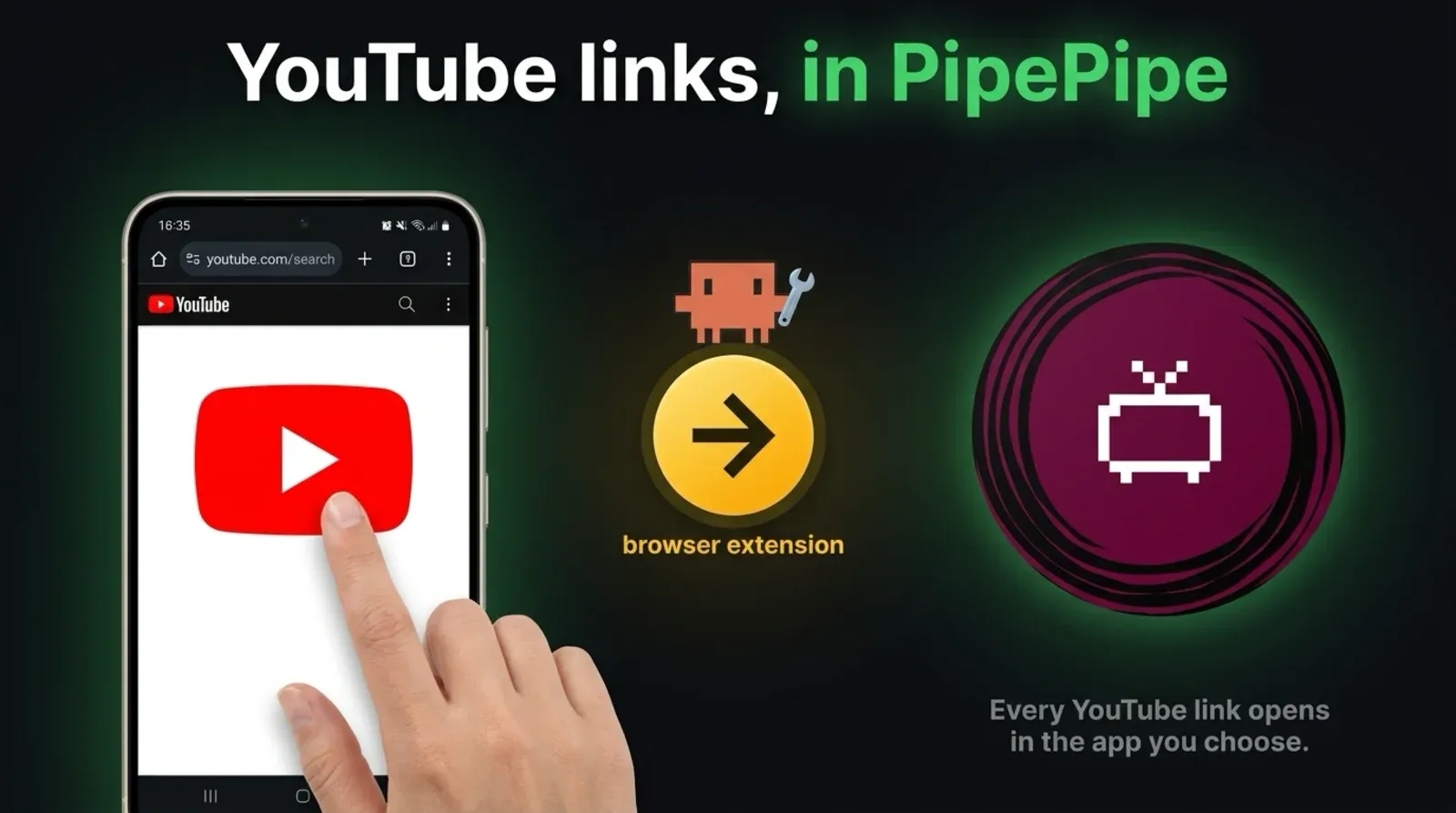
Every YouTube link I tap on my phone now opens in PipePipe, the open-source YouTube app. That includes links inside my browser, where Android’s own “open by default” setting does nothing.
I didn’t tell my AI agent how to do it. I told it what I wanted, and it found the gap, wrote a browser extension, installed it on my phone and tested it.
Here’s how to set it up on yours:
🤖 Want an agent to just build this for you? Copy the prompt and paste it into your AI agent.
Prompt for your coding agentclick to open
On my Android phone, make every YouTube link open in PipePipe (or my default YouTube app), including links inside my browser.

Install this extension in my browser over adb and test it with a link from another app, a link on a web page, a typed URL and an app's in-app browser:

https://github.com/jrejaud/youtube-to-pipepipe

Details are here:

https://strangenewworld.net/youtube-links-in-pipepipe/
⚙️ Requirements
- 🍏 Not on iPhone
iOS browsers can't hand links to another app this way. - 📱 An Android phone with PipePipe or NewPipe
Set as the default app for YouTube links. - 🧩 A browser that runs Chrome extensions
I use Kiwi. - 🤖 Optional: an AI agent with adb
Claude Code or similar, to install and test it for you.
Android’s setting stops at the browser
Android lets you pick which app opens which links. I’d already set PipePipe as the default for YouTube, and links from other apps went to PipePipe.
Links inside the browser didn’t. Tap a YouTube link on a web page, type a YouTube URL, or open one in an app’s built-in browser, and my browser, Kiwi, loads youtube.com itself.
Tell the agent what you want, not how
This is the whole prompt I gave Claude Code (Opus 5.5), dictated, typos and all:
on my phone, whenever I open a YouTube related URL, I’m waiting to make sure that it goes and it’s opened up through my PipePipe app. Please implement this, test it out.
No mention of browsers, extensions or how Android routes links. I didn’t know where the gap was, and I didn’t need to.
What the agent did
It drove my phone over adb (Android’s debugging connection) and worked through it in about ten minutes:
- Asked Android which app handles a YouTube link. PipePipe, already.
- Tapped a YouTube link inside my browser. It stayed in the browser.
- Found that a link written as
intent://makes the browser hand off to an app, and proved it on a test page. - Wrote a browser extension that rewrites every YouTube link into one of those, installed it, and tested the four ways a link can open.
All four now land in PipePipe:
- Tapped in another app: already worked before.
- Tapped on a web page: used to stay in the browser.
- Typed into the browser: used to stay in the browser.
- Opened in an app’s built-in browser: used to stay in the browser.
The extension
It’s about 40 lines and it’s on GitHub: youtube-to-pipepipe.
It catches videos, shorts, live streams, channels, playlists and youtu.be links. YouTube’s home page, search and Studio stay in the browser.
It doesn’t name PipePipe anywhere. The intent:// link leaves the choice to Android, so it goes to whatever app you’ve set as the default for YouTube links: PipePipe, NewPipe, Tubular or LibreTube. If nothing takes it, the browser just loads the page.
The same trick works for any app that accepts a kind of link. Chrome’s documentation on Android intents covers how the links are built.
Set it up yourself
- Install PipePipe or NewPipe.
- In Android Settings, open the app’s page, go to Open by default, turn on Open supported links and tick the YouTube addresses. If the official YouTube app is installed, turn its supported links off.
- Install the extension in a browser that runs Chrome extensions. I use Kiwi.
Or paste the prompt from the top of this post into your agent and let it do all three.
What else I’ve built for YouTube
My agent also searches YouTube for me with the dislike counts YouTube hides, and watches videos for me so I only open the ones worth it. It drives my phone the way it did here, which I wrote up in Phone use for AI agents. If you want the next one, subscribe below.